
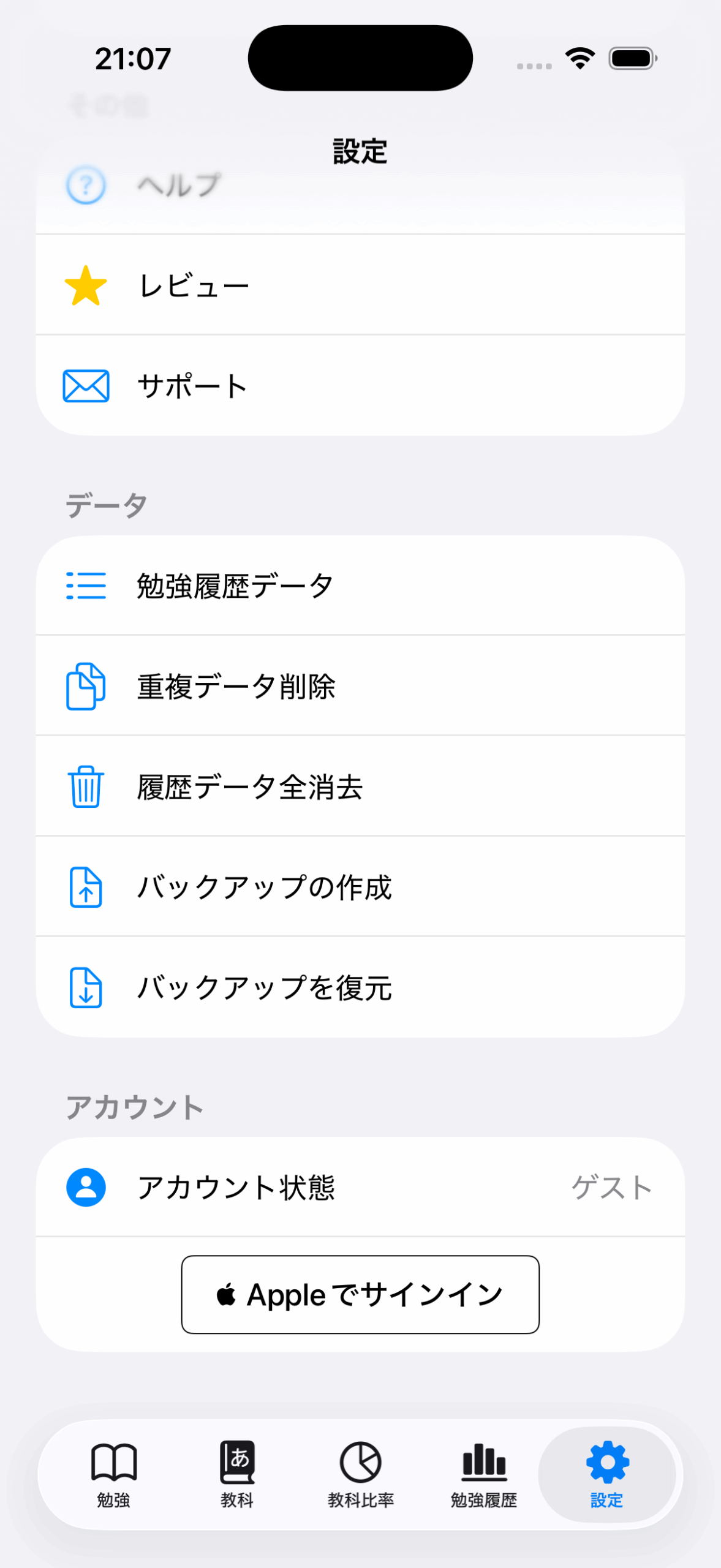
At the bottom of “Settings” in the app, tap “Sign in with Apple” under the “Account” section to create an account using your Apple ID.
If you already have study history saved, please log in first on the device where the data is stored.
If you log in first on a new device, the data from your old device will not be reflected.
Benefits
You can use the same data across multiple devices.
- When changing devices
- Syncing data when using both iPhone and iPad
Drawbacks
If you are already using the app on two devices, the data cannot be merged.
Sign out and delete the account
When using an Apple ID account, you can sign out from Settings. The Sign in with Apple screen appears after sign-out.
Delete Account permanently removes cloud subjects, study history, and the account. Create a backup before continuing.