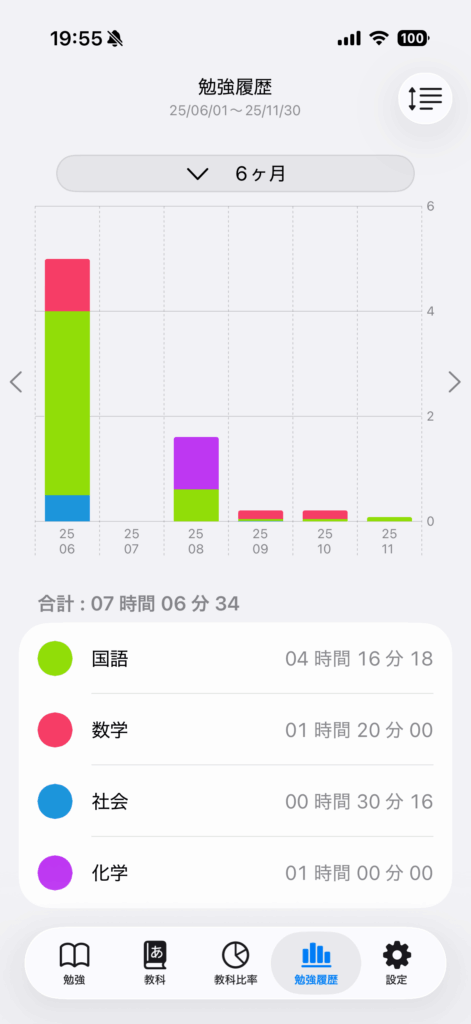
Change the unit displayed on the graph.
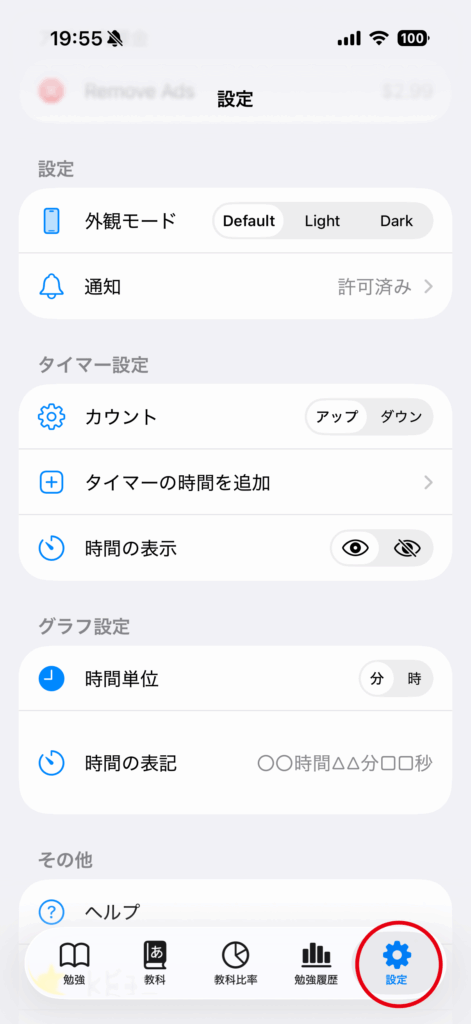
Tap the “Settings” tab.
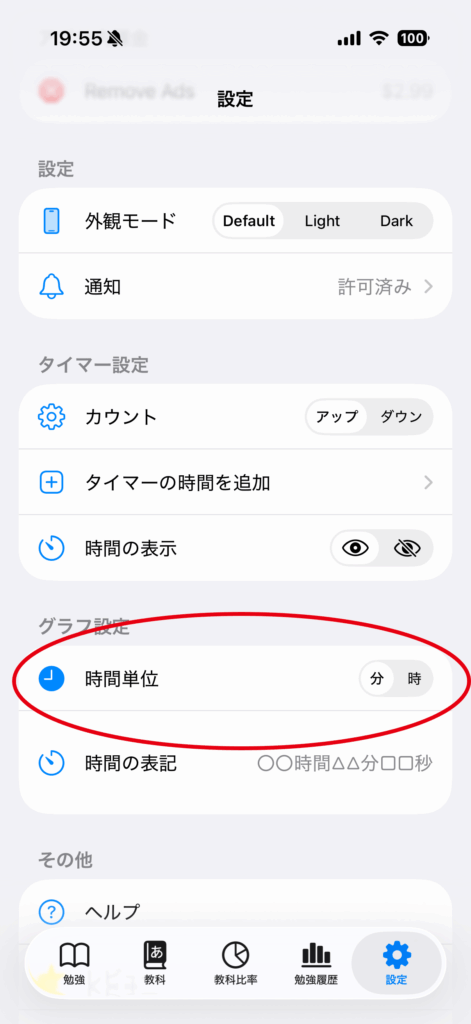
You can switch between minutes and hours when displaying study history.
The default setting is “Minutes”.
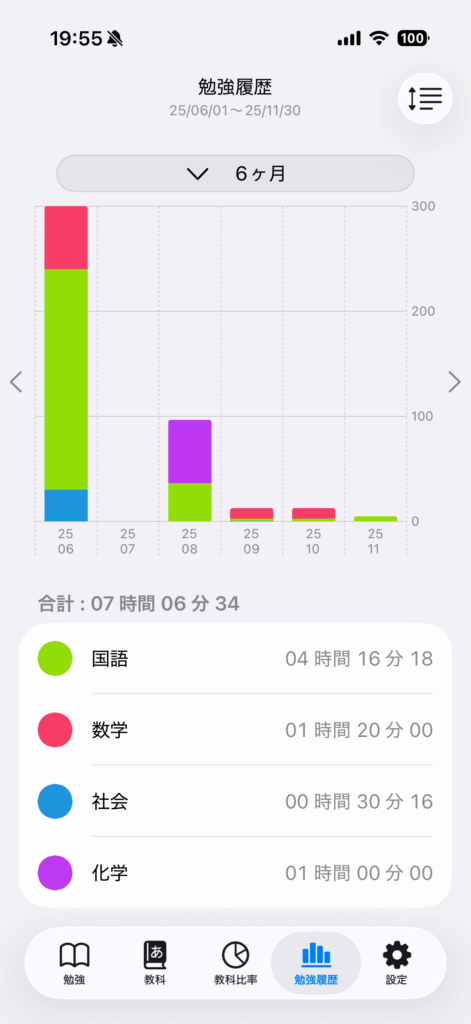
Display in Minutes
The values on the right side of the graph will be displayed in minutes.
Display in Hours
The values on the right side of the graph will be displayed in hours.