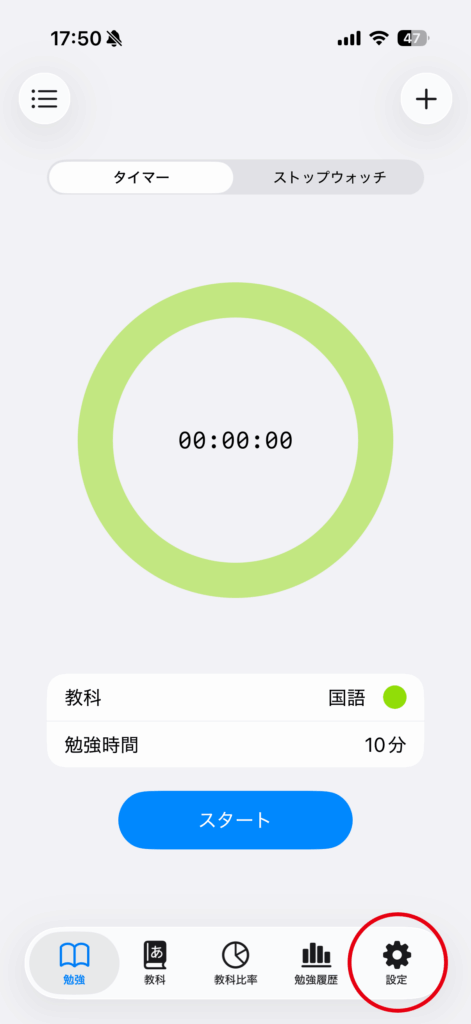
Tap the “Settings” tab.
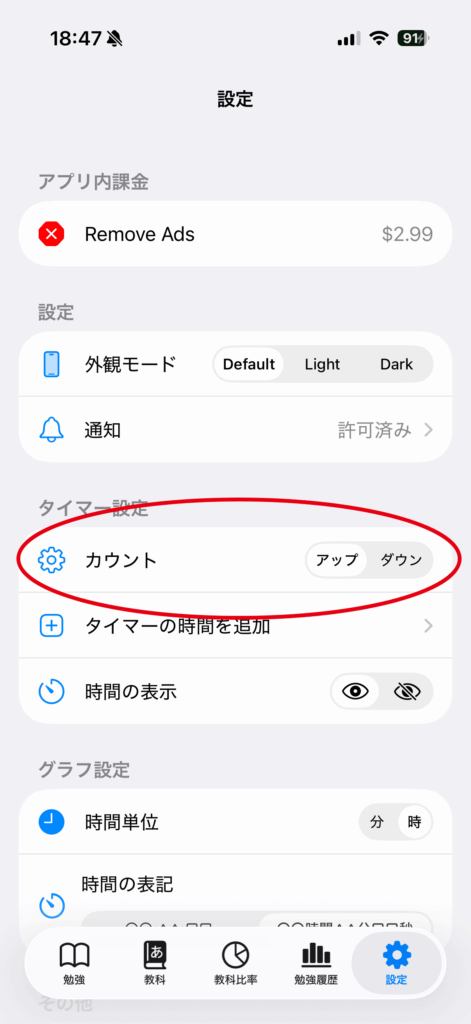
You can switch between Countdown and Count Up when tracking your study time.
The default setting is Count Up.
Switching to “Down” will change it to Countdown mode.
How-to guide
Tap the “Settings” tab.
You can switch between Countdown and Count Up when tracking your study time.
The default setting is Count Up.
Switching to “Down” will change it to Countdown mode.