
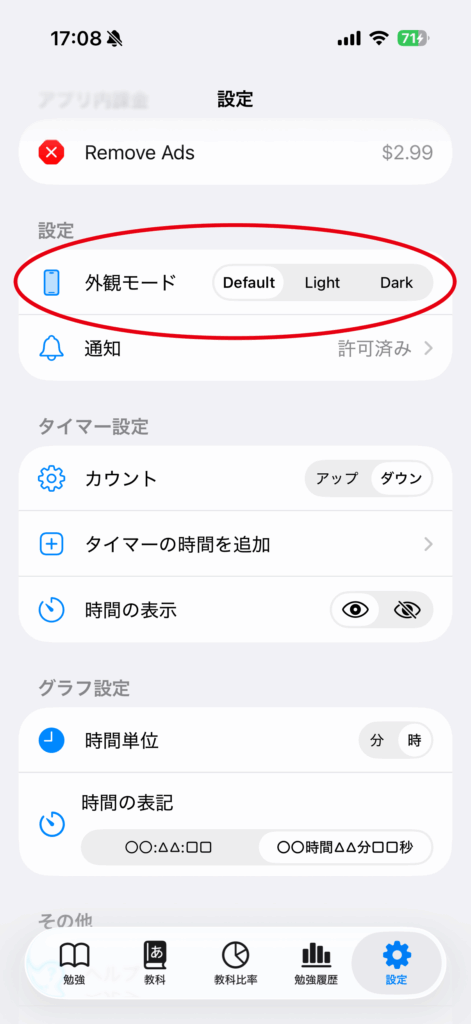
Default
Follows your device settings.
This corresponds to the “Appearance” setting under Settings → Display & Brightness on your device.
Light
Ignores your device settings and always displays in Light Mode.
Dark
Ignores your device settings and always displays in Dark Mode.