
When you register a subject, a color is assigned automatically at random.
You can change it to your preferred color if you like.
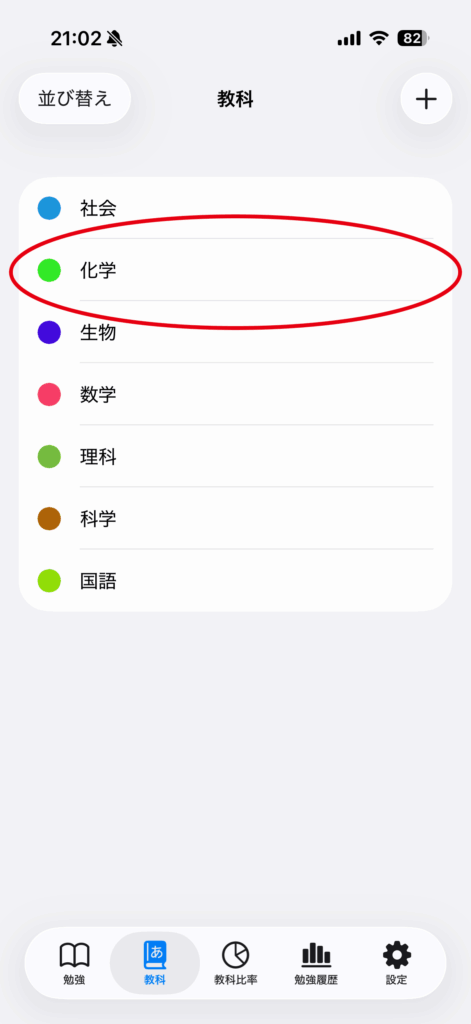
Long-press the subject name.
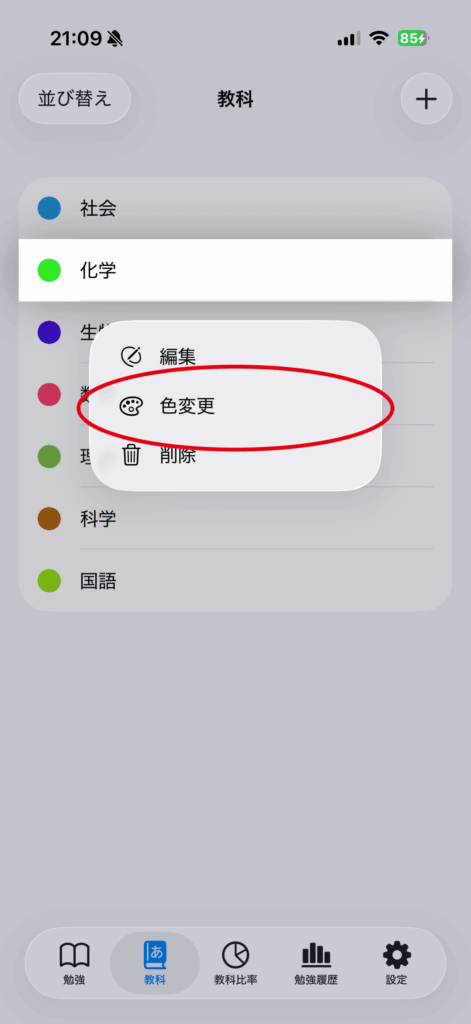
Tap “Change Color”.
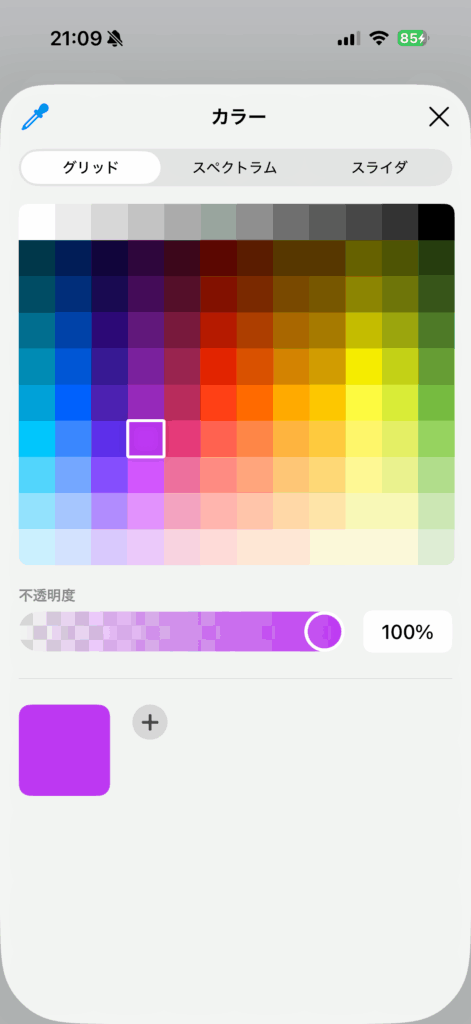
Select your preferred color, then tap “×” to close the color picker.
The color change is now complete.