
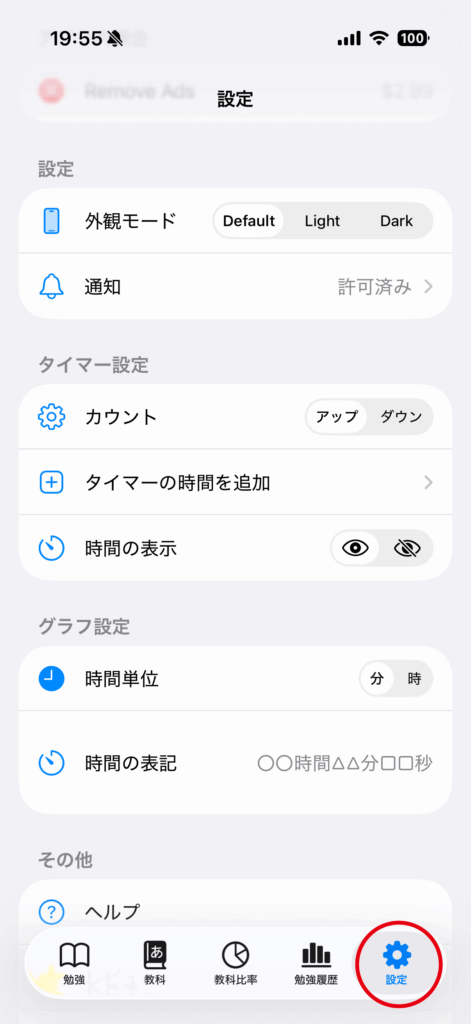
Tap the “Settings” tab.
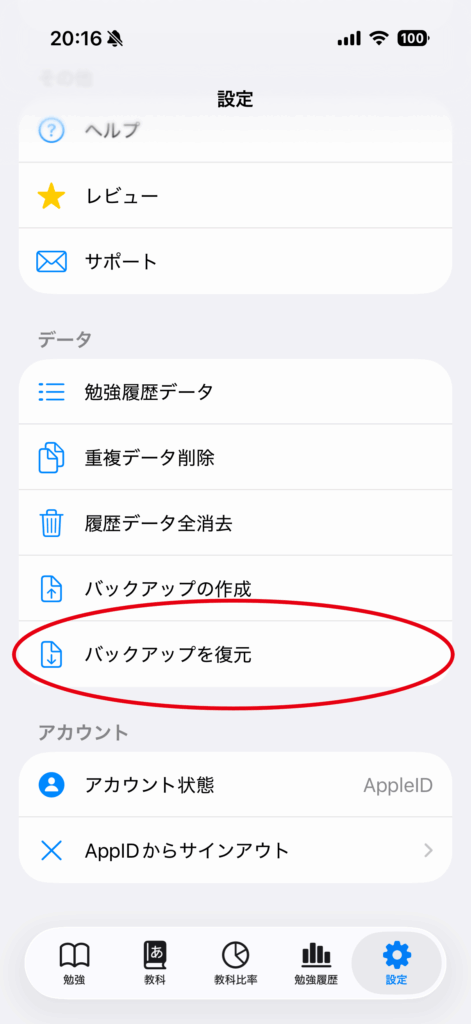
Tap “Restore from Backup”.
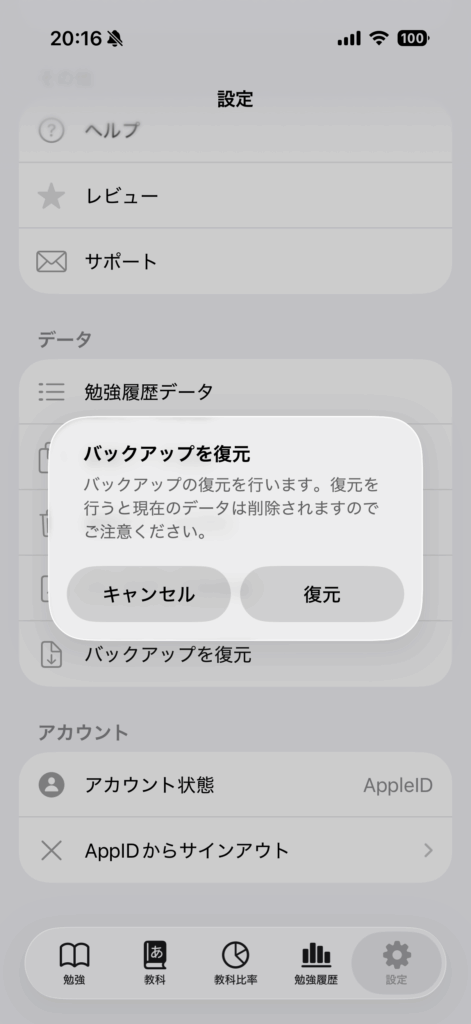
Tap the “Restore” button.
The restored data will overwrite your existing data.
Check before restoring
Restore deletes the current subjects and study-history entries before writing the contents of the selected backup. It does not merge the backup with the current data.
If the current installation contains anything important, create a new backup first. Select only a JSON file created by this app.