
Tap the “Subject Ratio” tab.
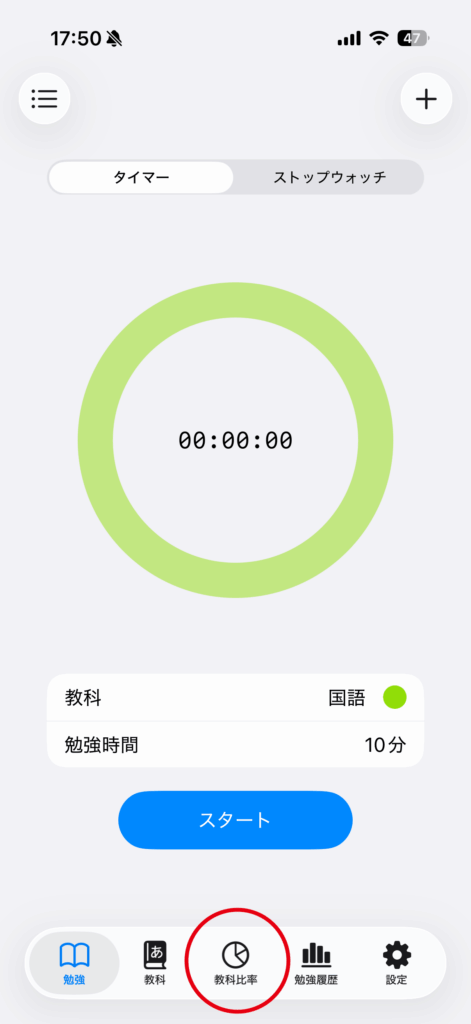
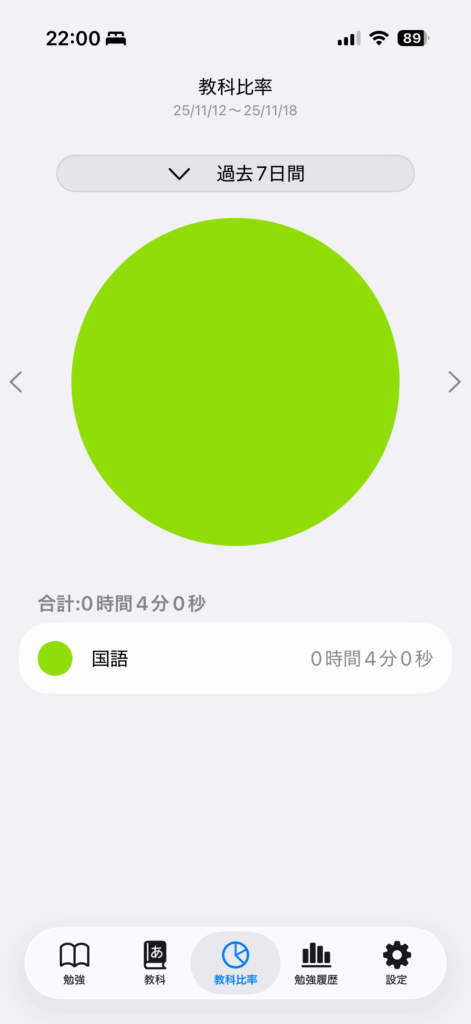
Displays the study time for each subject within the selected period as a pie chart.
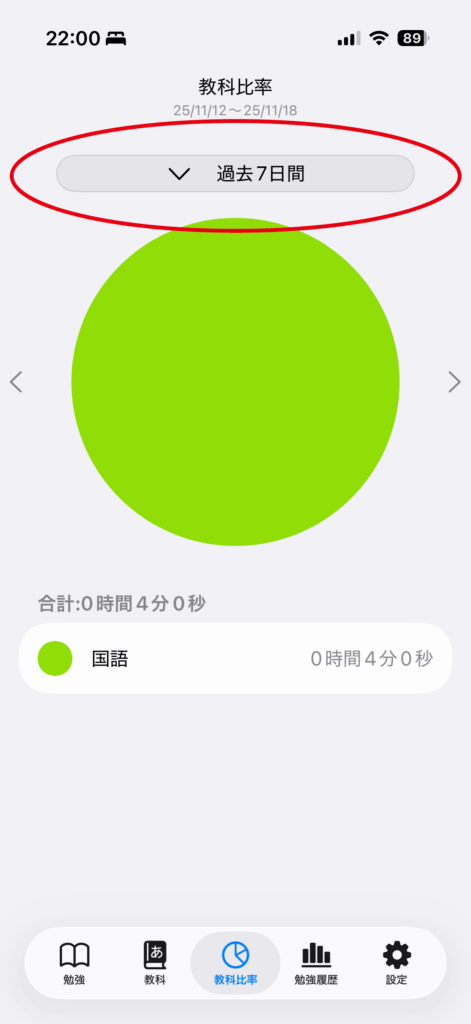
Tap “Period” to select the time range for which you want to display the subject ratio.
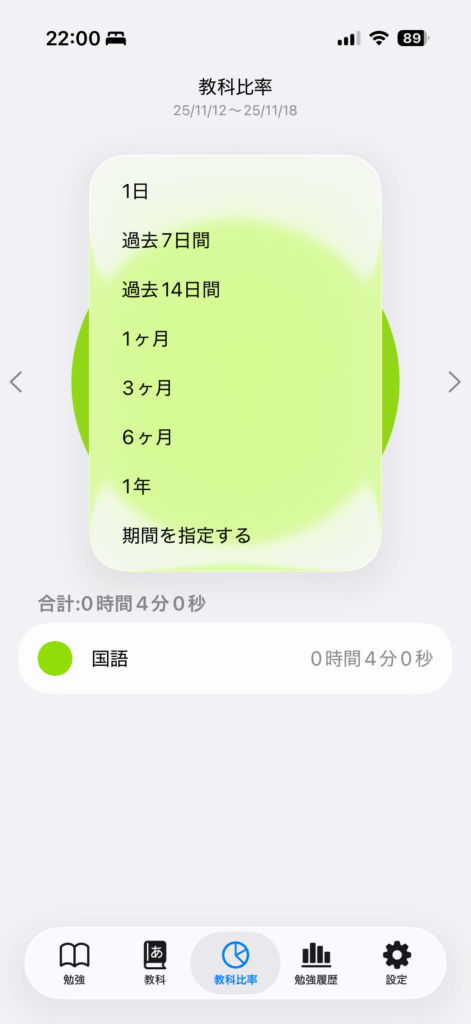
Available date ranges
Choose 1 day, 7 days, 14 days, 1 month, 3 months, 6 months, or 1 year. “Specify Period” lets you select your own start and end dates.
Use the left and right arrows to move to the previous or next range of the same length. The arrows are hidden while a custom period is selected.
Sort the list
Use the top-right sort menu to order subjects by subject order, shortest time, or longest time. The total for the selected period appears below the chart.