Enter and save your study time manually.
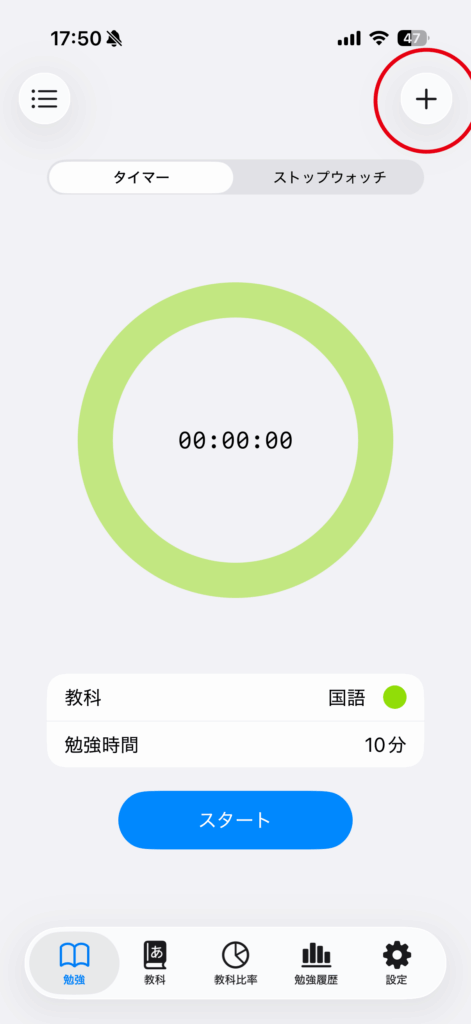
Tap the “+” button in the top right corner.
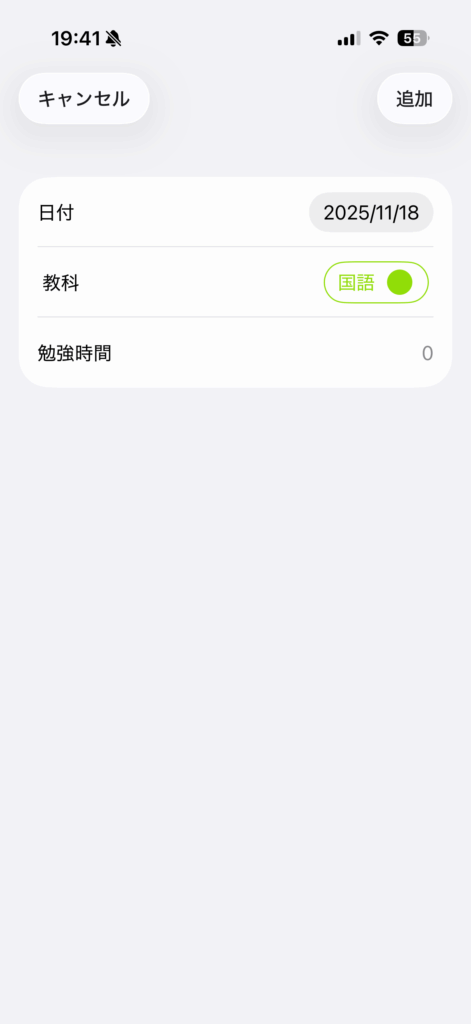
Enter the date, subject, and study time.
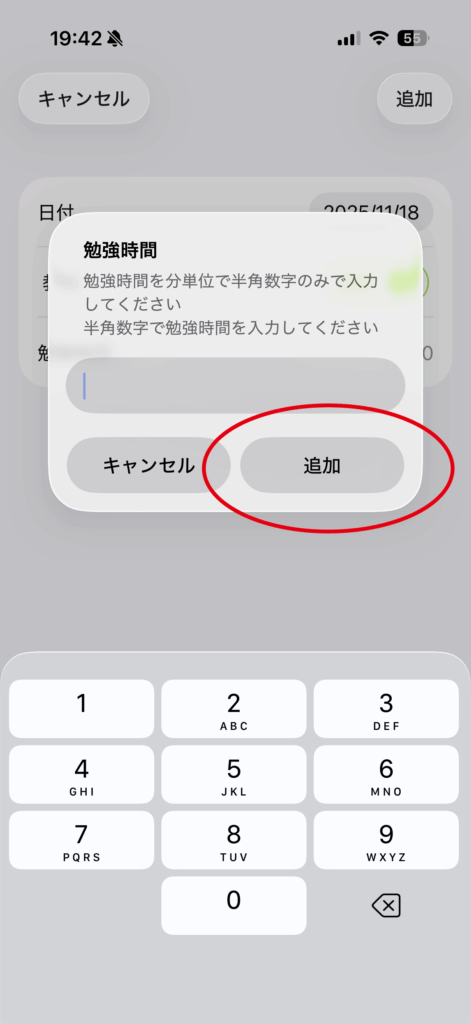
Please enter your study time in minutes.
Tap the “Add” button to complete the entry.

How-to guide
Enter and save your study time manually.
Tap the “+” button in the top right corner.
Enter the date, subject, and study time.
Please enter your study time in minutes.
Tap the “Add” button to complete the entry.