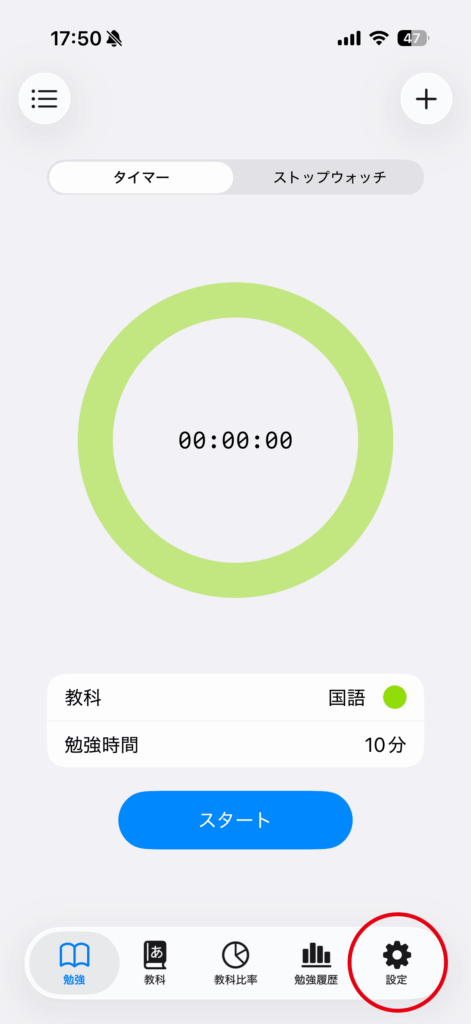
Tap the “Settings” tab.
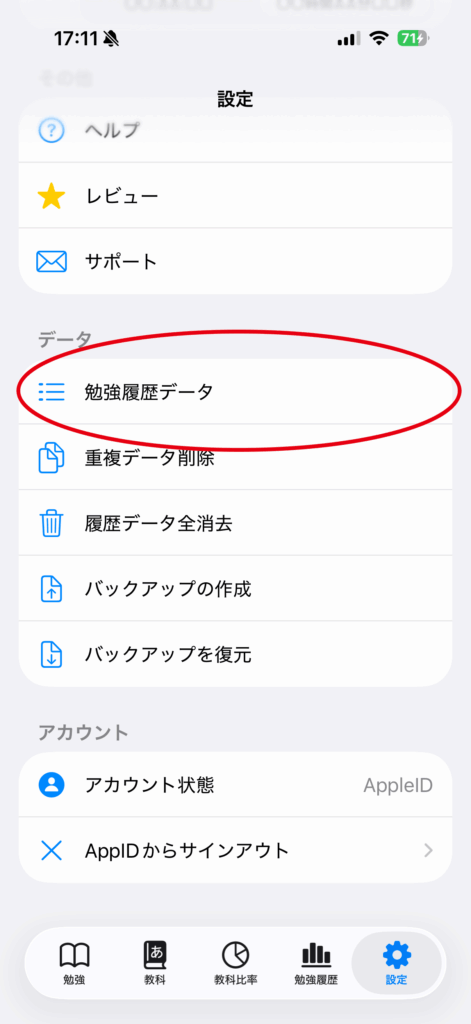
Open “Settings” in the app, then tap “Study History Data”.
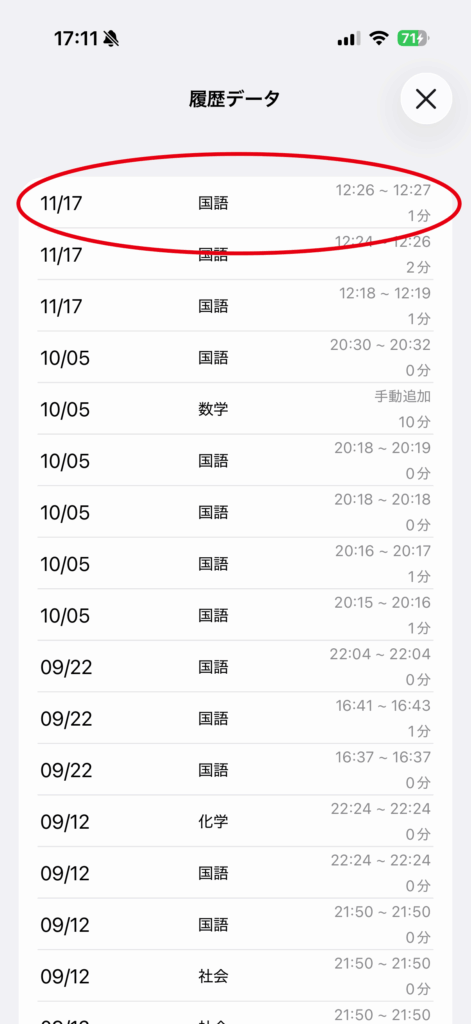
Long-press the data you want to delete.
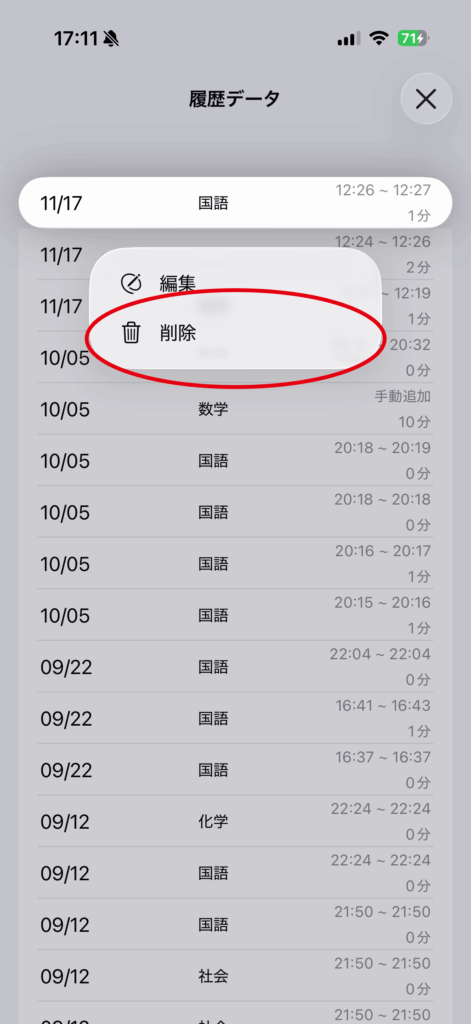
Tap “Delete” in the menu to remove the selected data.
Edit
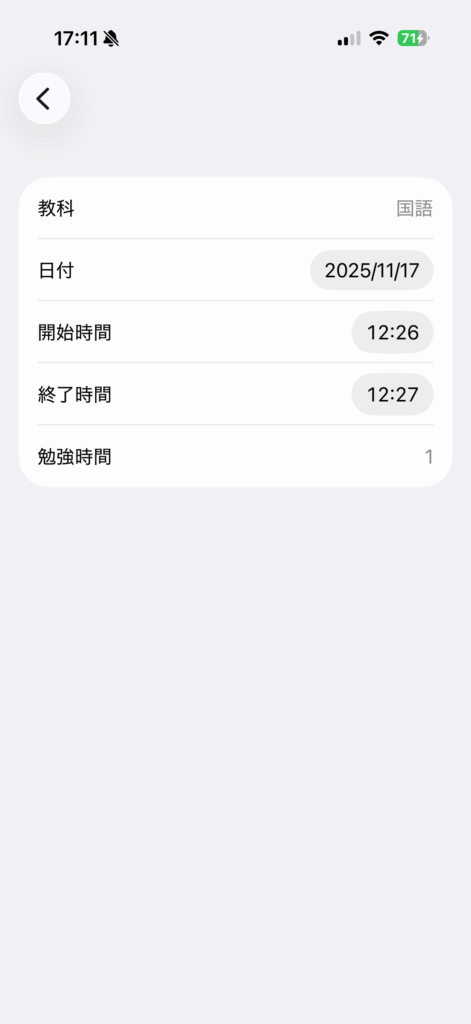
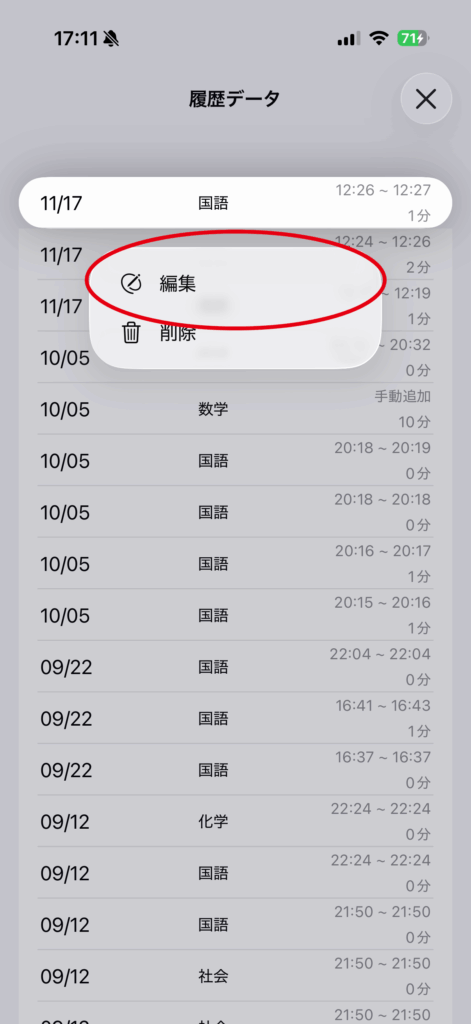
Long-press the data you want to edit.
Tap “Edit” in the menu.
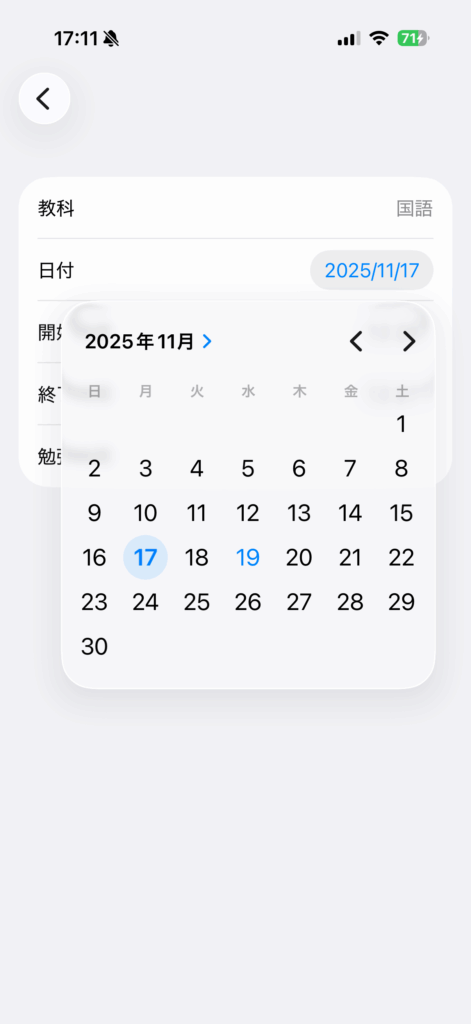
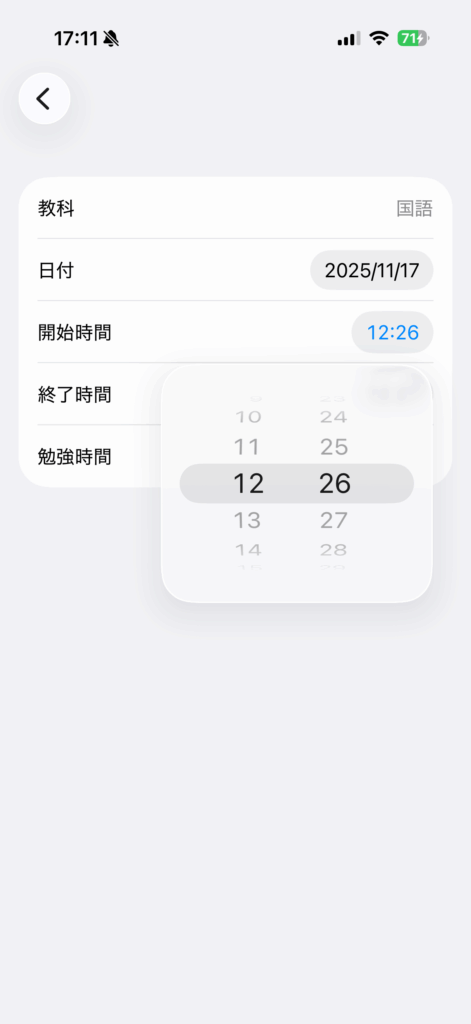
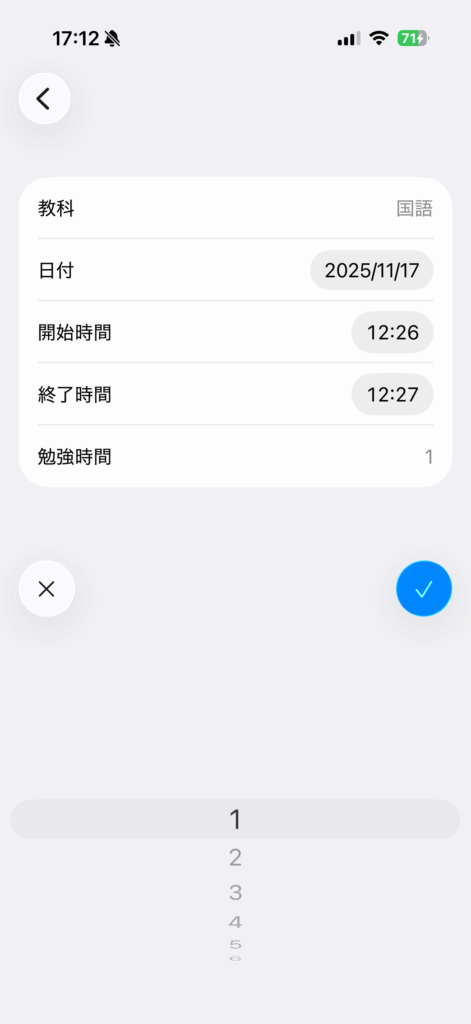
Tap the date and time you want to edit to make changes.